> ## Documentation Index
> Fetch the complete documentation index at: https://docs.tracecat.com/llms.txt
> Use this file to discover all available pages before exploring further.
# Basic
> Authenticate into self-hosted Tracecat with basic email-and-password sign-in: configure user accounts, password policies, and admin bootstrap for small deployments.
In production, use OIDC or SAML SSO. Basic auth is meant for local development only.
## Overview
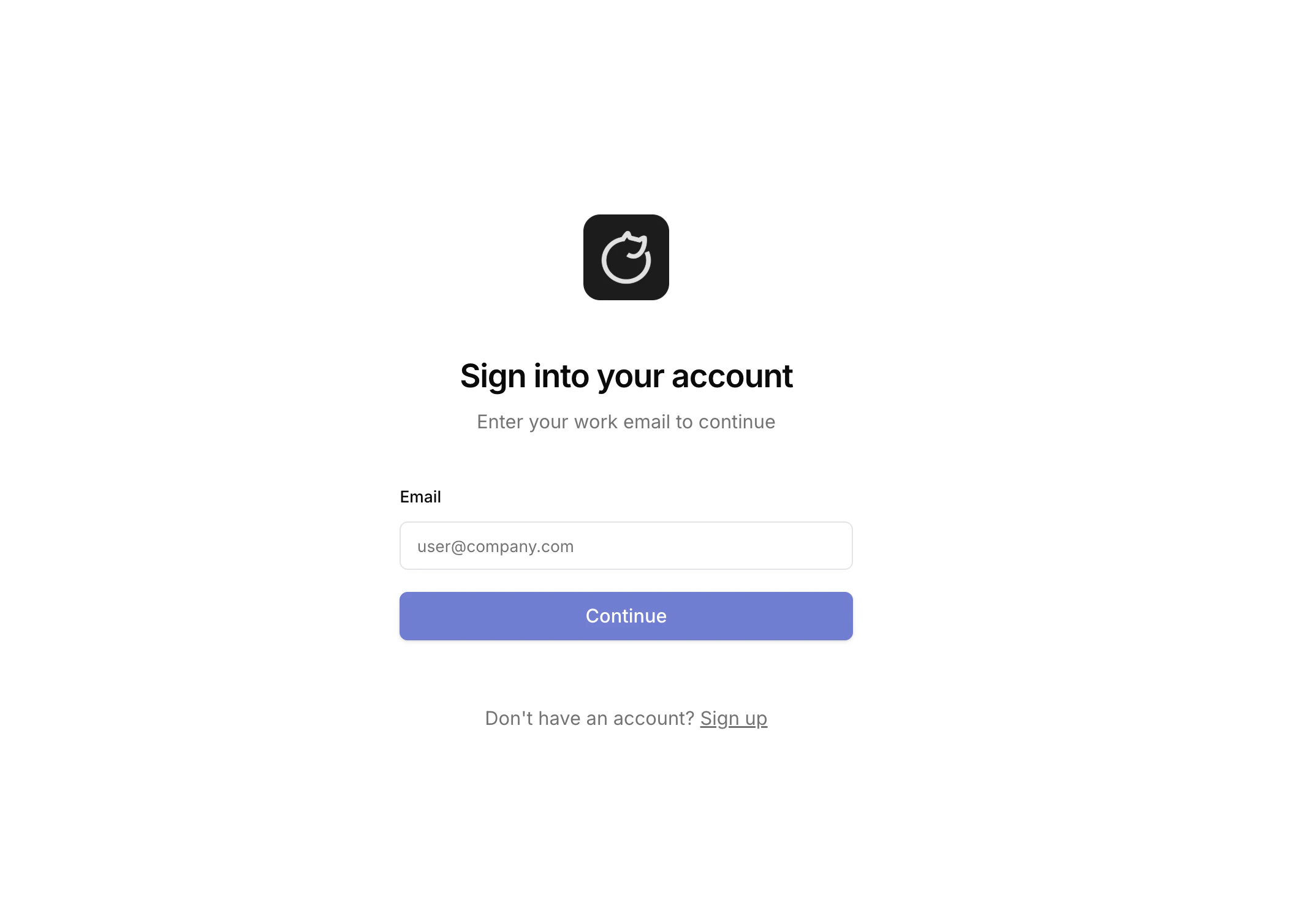
Basic auth lets you sign in to Tracecat with an email and password.
 ## Configuration
In your `.env` file, enable the basic auth type:
```bash theme={null}
TRACECAT__AUTH_TYPES=basic
```
You can also combine auth types if you need to:
```bash theme={null}
TRACECAT__AUTH_TYPES=basic,oidc
```
## Minimum password length
When you use basic auth, your password must be at least
`TRACECAT__AUTH_MIN_PASSWORD_LENGTH` characters long. The default minimum is `12`.
## Configuration
In your `.env` file, enable the basic auth type:
```bash theme={null}
TRACECAT__AUTH_TYPES=basic
```
You can also combine auth types if you need to:
```bash theme={null}
TRACECAT__AUTH_TYPES=basic,oidc
```
## Minimum password length
When you use basic auth, your password must be at least
`TRACECAT__AUTH_MIN_PASSWORD_LENGTH` characters long. The default minimum is `12`.