

1
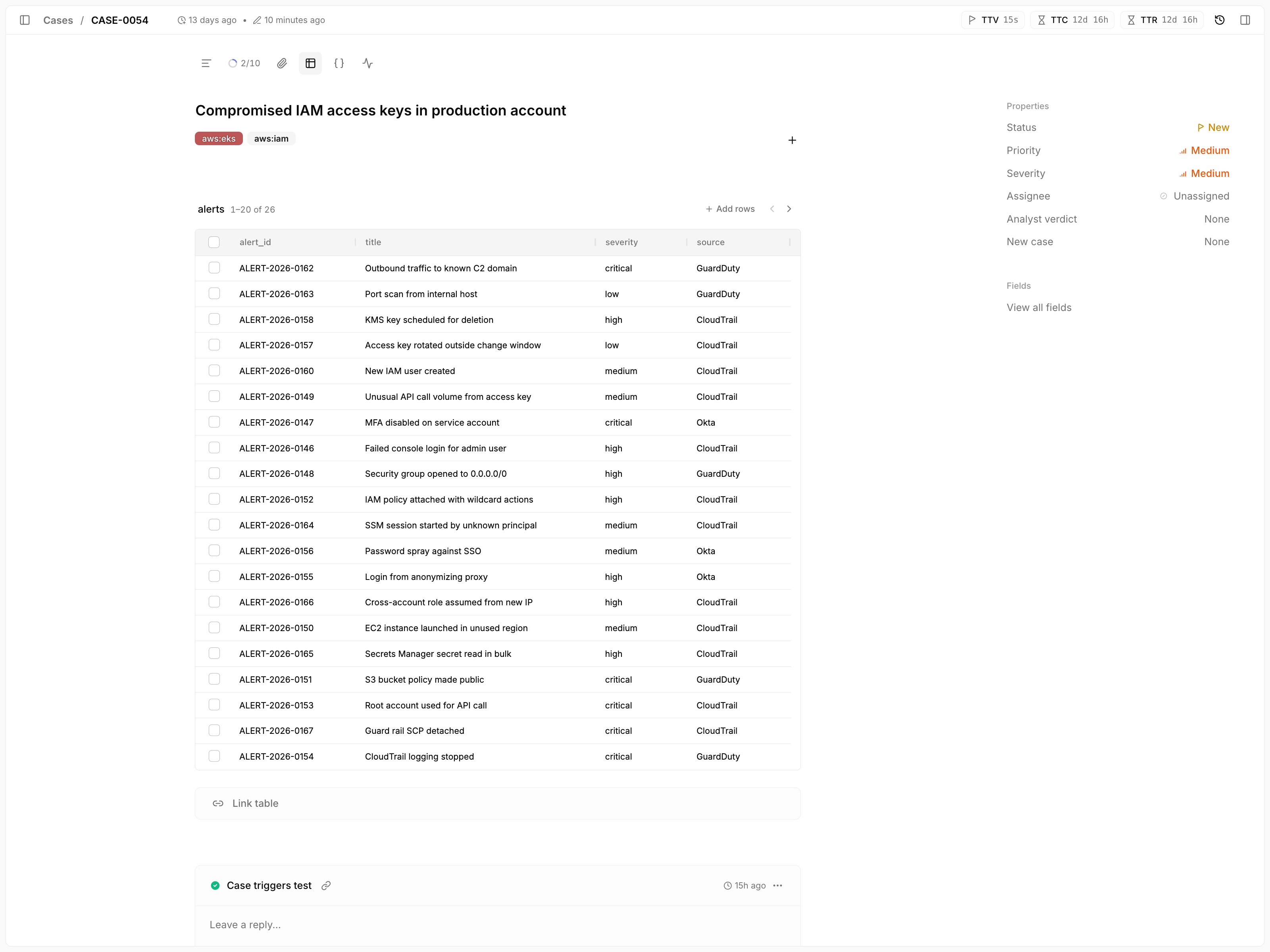
Open the Tables tab
Open the case and select the Tables tab.
2
Pick a table and rows
Click
Link table, choose a table, and tick the rows to link.
Your selection is kept while you page through the table or switch to another table, so you can pick rows from several tables at once.3
Add the rows
Click
Add rows. Tracecat skips rows that are already linked to the case.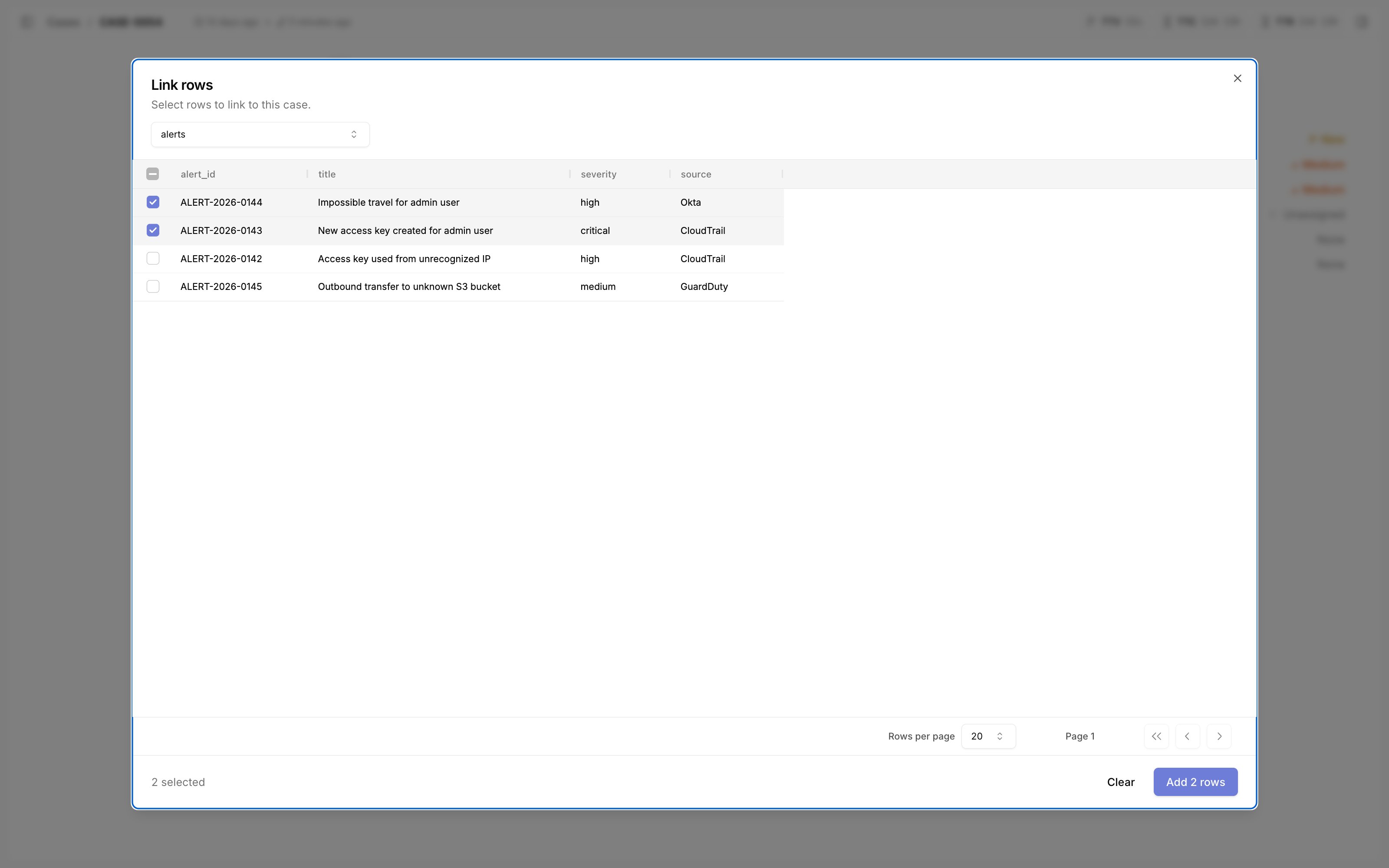
Add rows on that table’s grid. To unlink rows, tick them in the grid and click Unlink.
A case can link up to 250 rows from each table and rows from up to 10 tables. Each link or unlink request takes at most 100 row IDs.
For example, you can link:
- Related SIEM alerts
- Indicators of compromise (IoCs)
- Affected assets such as hosts, users, or devices
- Threat intelligence matches
- Evidence artifacts such as domains, IPs, or hashes
columns JSON schema documented in Tables and Table actions.
Related pages
- See Case management for an overview of case features.
- See Linked rows to link table rows to a case from a workflow.