

agent_channels_preview). On Tracecat Cloud, start with the Slack quickstart.
Prepare your deployment
SetTRACECAT__PUBLIC_API_URL on the API service before creating the app, for example https://tracecat.example.com/api. The installer’s browser must reach this URL. With HTTP (the default), Slack must reach it too.
Use Socket Mode
Use Socket Mode
Set
TRACECAT__SLACK_INGRESS_MODE=socket on the API service and apply the change before creating the app. Tracecat connects to Slack over an outbound socket.After creating the app, open Basic Information → App-Level Tokens in Slack. Generate a token with connections:write and copy the access token (xoxe.xapp-…) and refresh token into Tracecat.Register the app
- Open
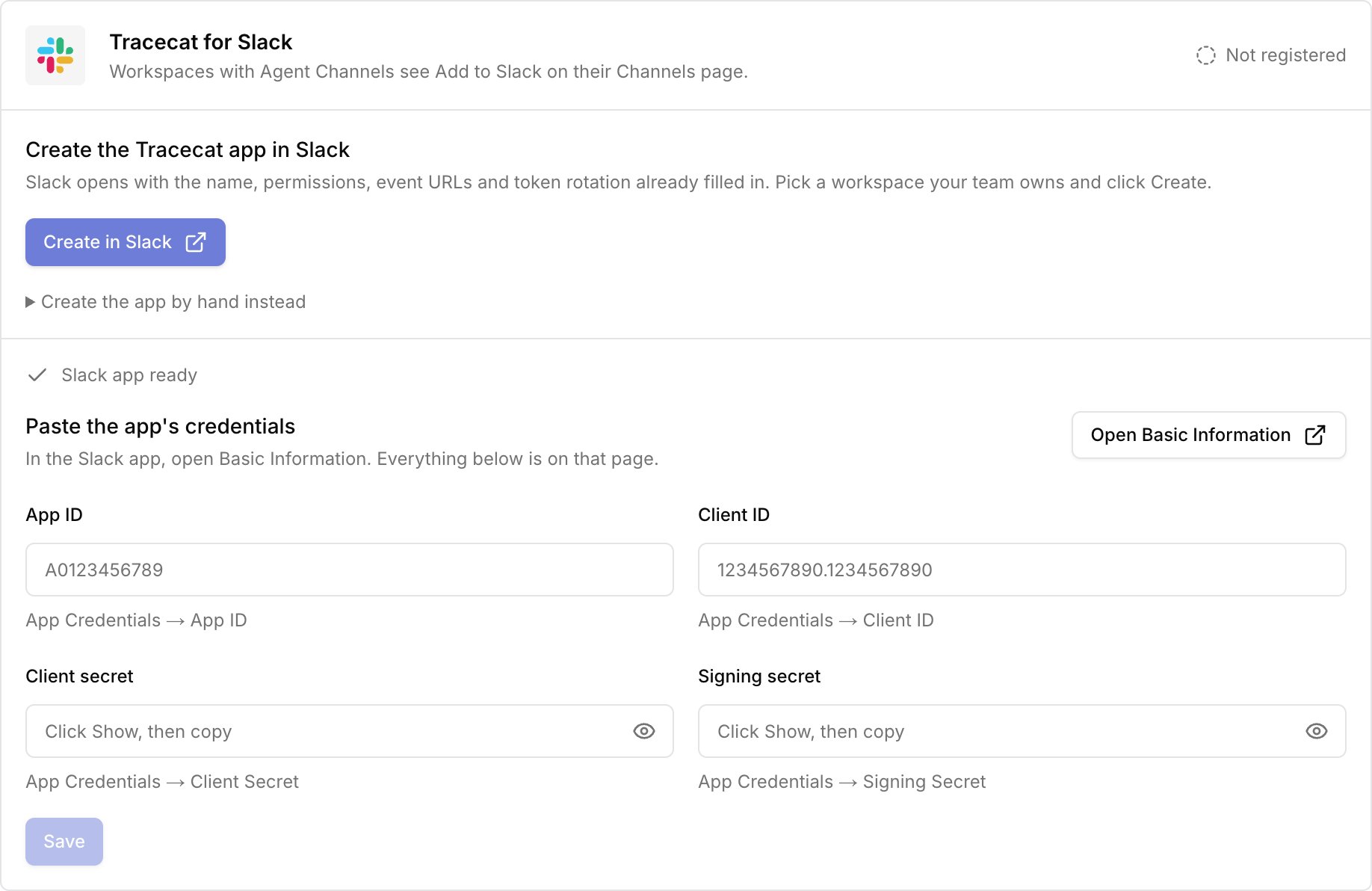
Admin → Agent → Slack Appand clickCreate in Slack. Choose a workspace where you can manage apps and clickCreate. - In Slack, open
Basic Information → App Credentials. Copy the app ID, client ID, client secret, and signing secret into Tracecat. - Click
Savein Tracecat. The card showsRegistered.
Manual app setup
Manual app setup
For an unused app dedicated to this deployment, copy the manifest under
Create the app by hand instead, apply it in Slack, and select I already have the app in Tracecat.For HTTP, use the manifest’s request URL for both events and interactivity. If verification fails, save the signing secret in Tracecat and retry in Slack.Allow other Slack workspaces (optional)
Allow other Slack workspaces (optional)
Skip this unless Slack workspaces other than the one where you created the app need to add Tracecat. Until you turn on public distribution, only that workspace can add it.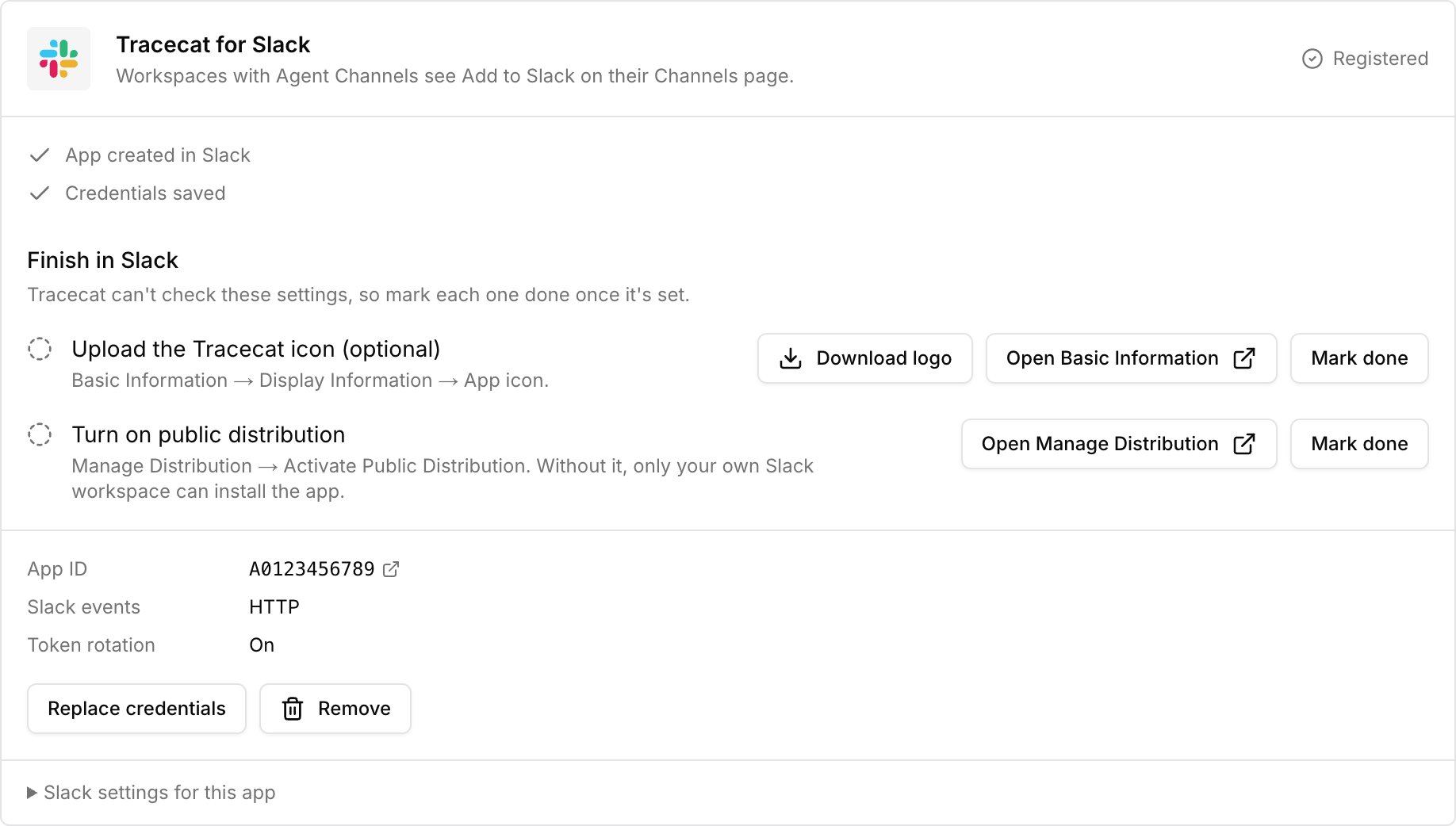
- Click
Open Manage Distribution. In Slack, complete the checklist and clickActivate Public Distribution. - Return to Tracecat and click
Mark donenext toTurn on public distribution.