

Create a skill
OpenSkills from the workspace navigation.
Click Create new, then choose Skill to start with an empty working copy or Upload to import an existing skill directory.
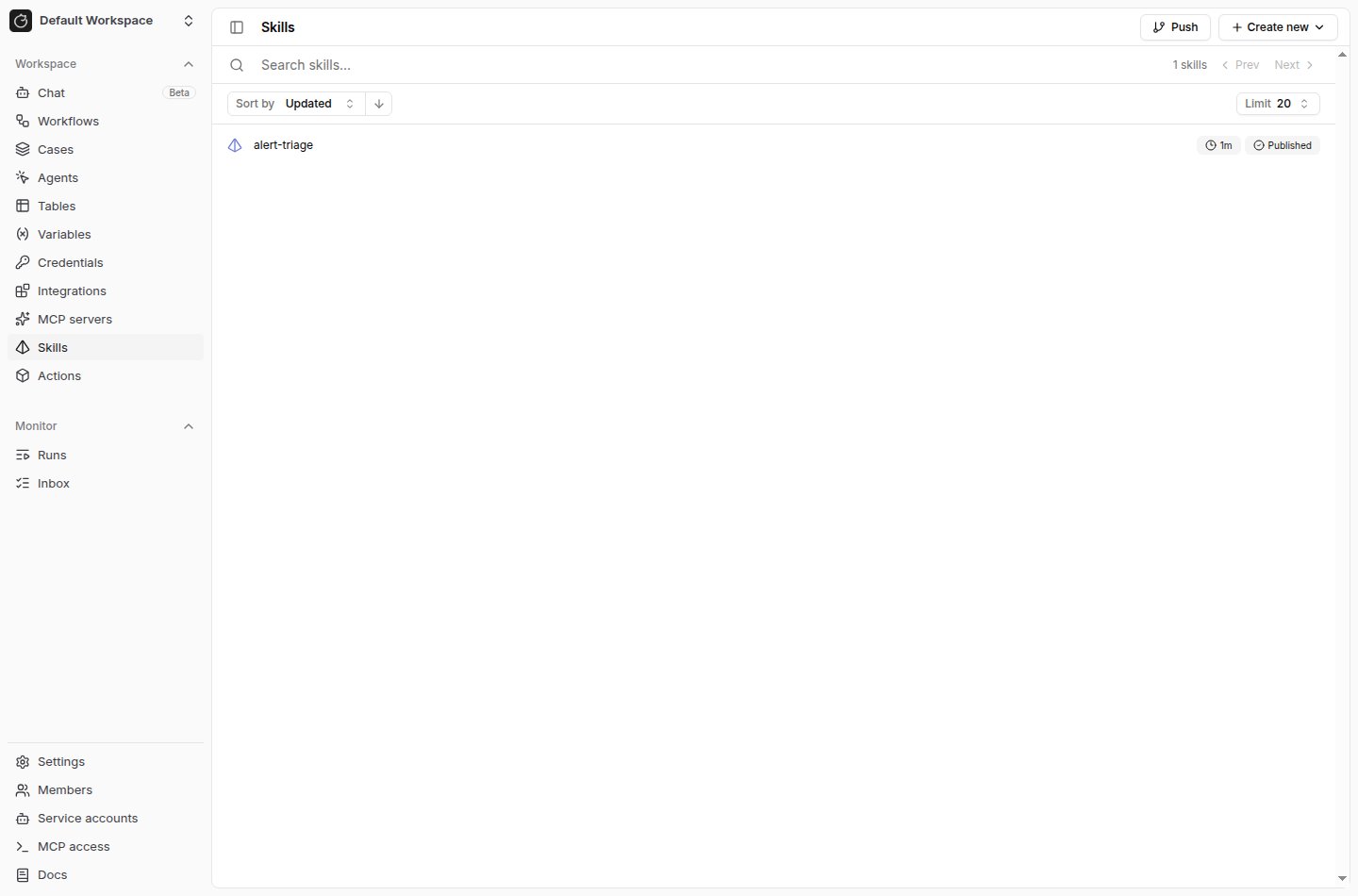
SKILL.md file.
Write SKILL.md
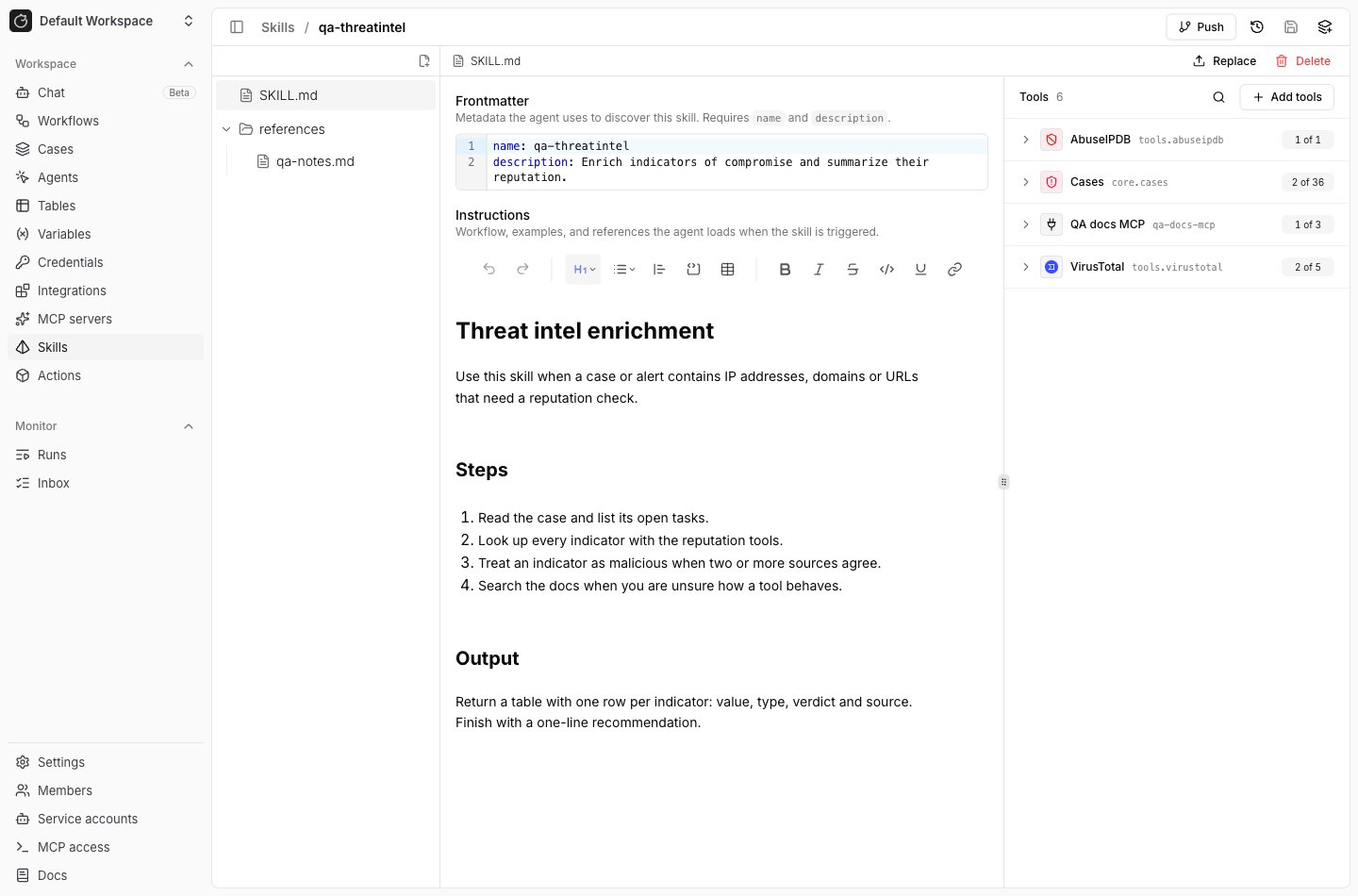
UseSKILL.md for the skill metadata and instructions.
The root file must include frontmatter with name and description.
name as the published skill name.
Keep published skill names unique among skills attached to the same preset agent.
Write the body as instructions the agent can follow during a run.
Declare tools in frontmatter
A skill can carry its own tools undermetadata.tools in the SKILL.md frontmatter.
core.http_request) or an MCP reference
(mcp.<slug> for the whole server, mcp.<slug>.<tool> for one tool).
Per-tool references work for HTTP integrations; a stdio integration is granted whole
with mcp.<slug>.
A skill can declare at most 64 tools.
When the skill is attached to a preset agent, its tools are added to the preset’s own
tools. Registry actions the skill adds appear under From skills in the preset’s Tools
tab. The agent’s effective tool set is the union of the preset’s registry
actions, the MCP integrations attached to the preset, and the tools declared by every
attached skill.
If the preset restricts
namespaces, that filter also applies to the registry
actions a skill declares. A skill’s registry action outside the allowed namespaces
is dropped from the run and reported under tool_policy.blocked_tools. MCP tools are
not filtered by namespaces, whether a skill declares them or the preset attaches the
integration directly.Add files
Add supporting files when the agent needs more than instructions. Use files for examples, checklists, schemas, helper scripts, or reference data. Editable text files open inline in the skill editor. Other file types can be replaced, deleted, or downloaded.Publish a version
Save the working copy, then clickPublish version.
Publishing creates an immutable version from the current files and makes the skill available to preset agents.

- A root
SKILL.mdfile. - Valid YAML frontmatter in
SKILL.md. - A frontmatter
namethat follows the skill name rules. - No duplicate paths or path conflicts.
Attach skills to a preset agent
Open the preset agent, select theSkills tab, click Add skill, and choose a published skill.
Click Publish version in the top right to save.
An attachment records the skill version that was current when you attached it.
Each row shows the skill name and its version.
Hover the name to read the description, or click it to open the skill.
Only published skills can be attached.
When a preset agent runs, Tracecat resolves each attached skill to that skill’s current
published version, so publishing a new version takes effect on the next run without
editing the preset.
How agents load skills
When a preset agent runs, Tracecat stages the resolved skill versions into the agent runtime. The agent can discover the skill by itsSKILL.md metadata and use the bundled files during the run.
Use skills for reusable agent behavior.
Use preset instructions for behavior that belongs only to one preset agent.
A skill’s metadata.tools fits a group of tools that several agents share, so the
instructions and the tools travel together. Tools only one agent needs fit on the preset.
See Where tools come from for the full
picture, including what the ai.preset_agent actions input does to a skill’s tools.
Related pages
- See AI agent for the
ai.agentandai.preset_agentworkflow actions. - See Secrets and variables to pass credentials and configuration to preset agent tool calls.
- See MCP integrations to attach MCP servers to preset agents.