

Overview
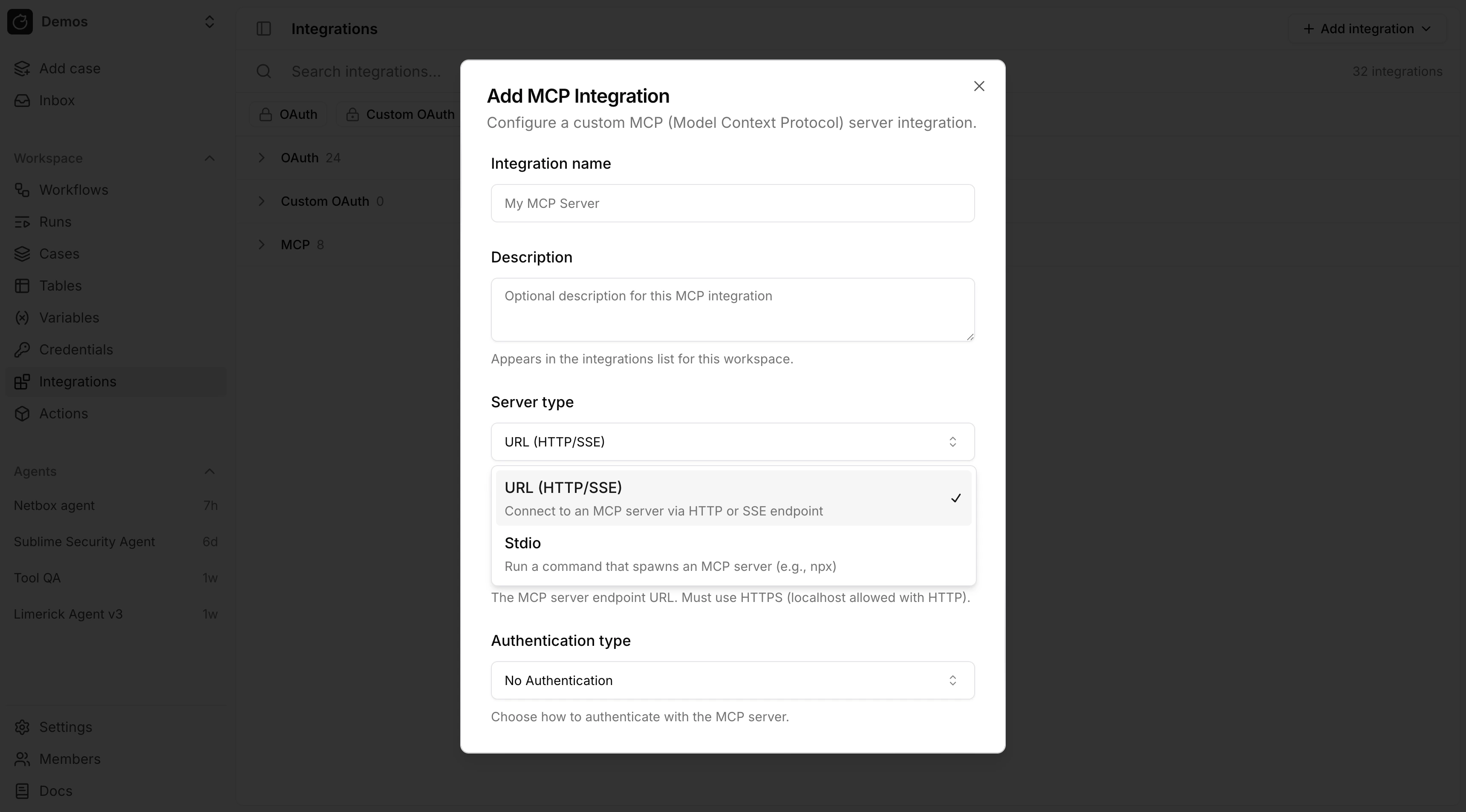
Tracecat supports three ways to connect an MCP server:- Catalog of 50+ preconfigured servers with guided connection setup, including Splunk, SentinelOne Purple AI, CrowdStrike Falcon, Microsoft Sentinel, Elastic, Wiz, GreyNoise, and PagerDuty
- Remote MCP over URL (
HTTPorSSE) - Local MCP over
stdio
Availability
Open source All three connection types are open source. Select the saved integration in themcp_integrations input on ai.agent, or attach it to a reusable agent preset. Per-tool approvals on remote MCP integrations, and reviewing them in the agent inbox, are also open source. See Human-in-the-loop.
Enterprise Edition
Approving tool calls from Slack or Microsoft Teams through agent channels is Enterprise-only.
Remote MCP
Use remote MCP when the server is exposed over a URL. Tracecat rejects server URLs that resolve to private, loopback, or link-local addresses withHost is not allowed. For a self-hosted MCP server on your network, add its IP or CIDR to TRACECAT__OUTBOUND_ALLOWED_PRIVATE_CIDRS; see Private endpoints.
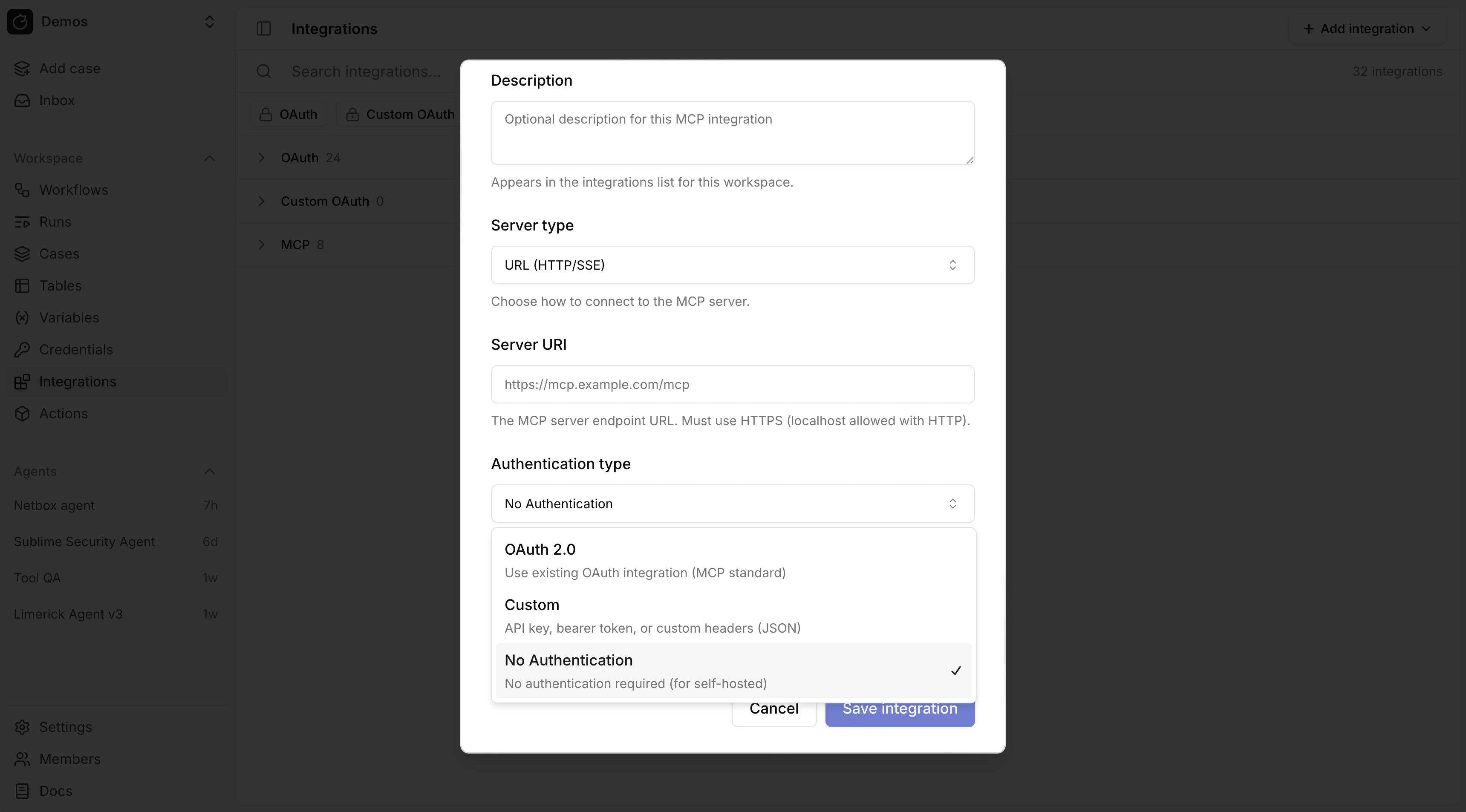
Authentication modes:
- No Authentication
- Custom
- OAuth
OAuth for remote MCP
For remote MCP with OAuth, link the MCP integration to an existing OAuth integration. Tracecat refreshes the token and sets theAuthorization header automatically.
For a custom remote MCP server, first create a custom OAuth provider in OAuth, then attach it to the MCP integration.
Custom headers for remote MCP
Custom authentication stores request headers as JSON.
Remote MCP custom header JSON does not resolve
${{ SECRETS.* }} or ${{ VARS.* }}. Header values are sent as literal strings.Stdio MCP
Usestdio MCP when Tracecat should launch a local command such as npx, uvx, or a custom binary.
stdio environment variables support Tracecat expressions.
Secrets and variables in MCP configuration
Expression support differs by MCP integration type:stdioenvironment variables support${{ SECRETS.* }}and${{ VARS.* }}.- Remote MCP OAuth mode does not need secret expressions for the bearer token because Tracecat injects the OAuth token automatically.
- Remote MCP custom header JSON does not currently resolve
${{ SECRETS.* }}or${{ VARS.* }}.