

Run workflows on case events
Open a workflow, select the trigger, and open theCase triggers tab.
Select one or more case events, optionally add a tag allowlist, and turn the trigger on.
Publish the workflow before you turn on its case trigger.
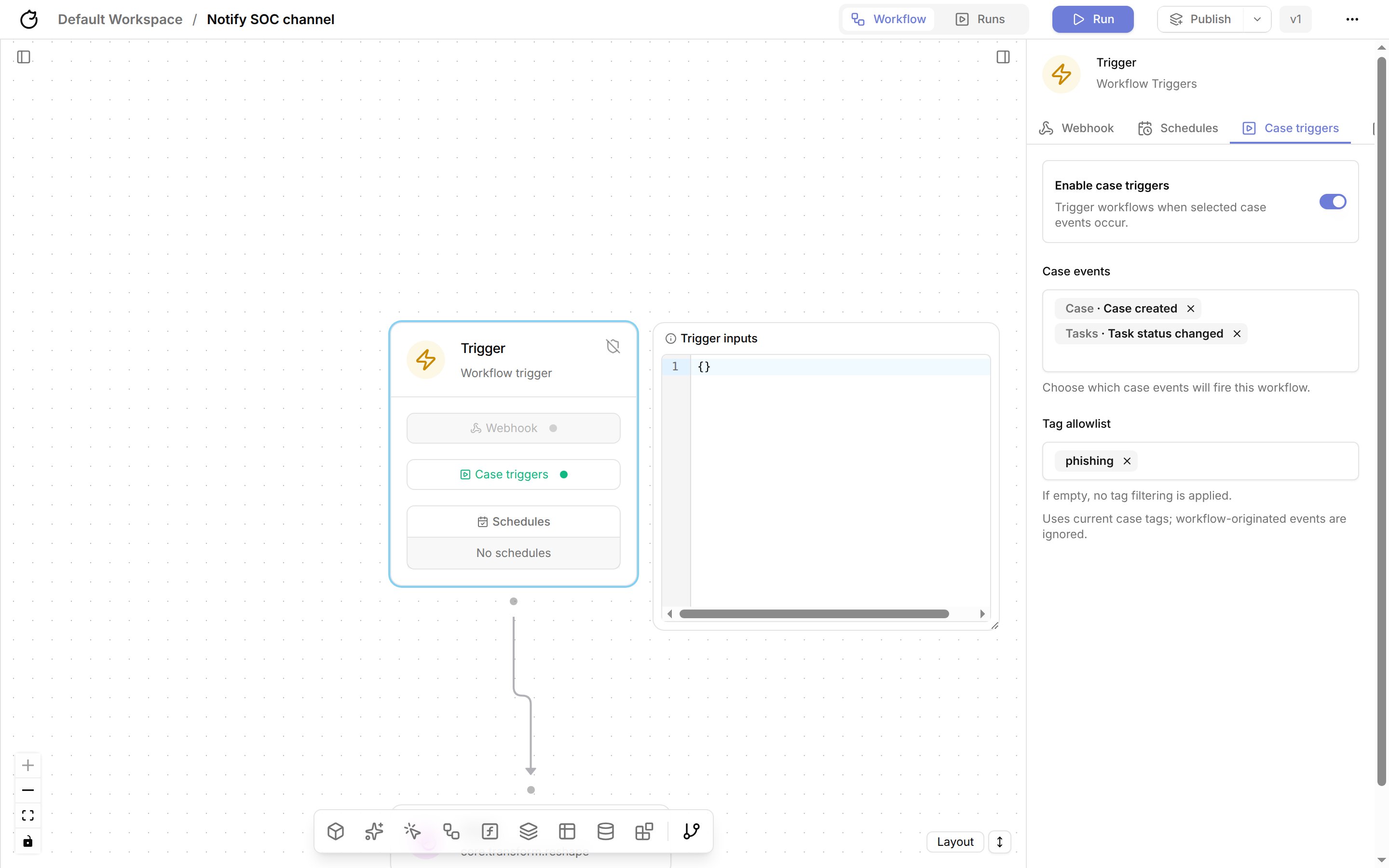
The tag allowlist limits runs to cases that currently have at least one matching tag, such as
phishing.
An empty allowlist runs the workflow for every case.
Tracecat ignores case events caused by workflows, so a workflow that updates a case does not trigger itself or other case-triggered workflows.
See Case triggers for the trigger payload.
Run workflows from tasks
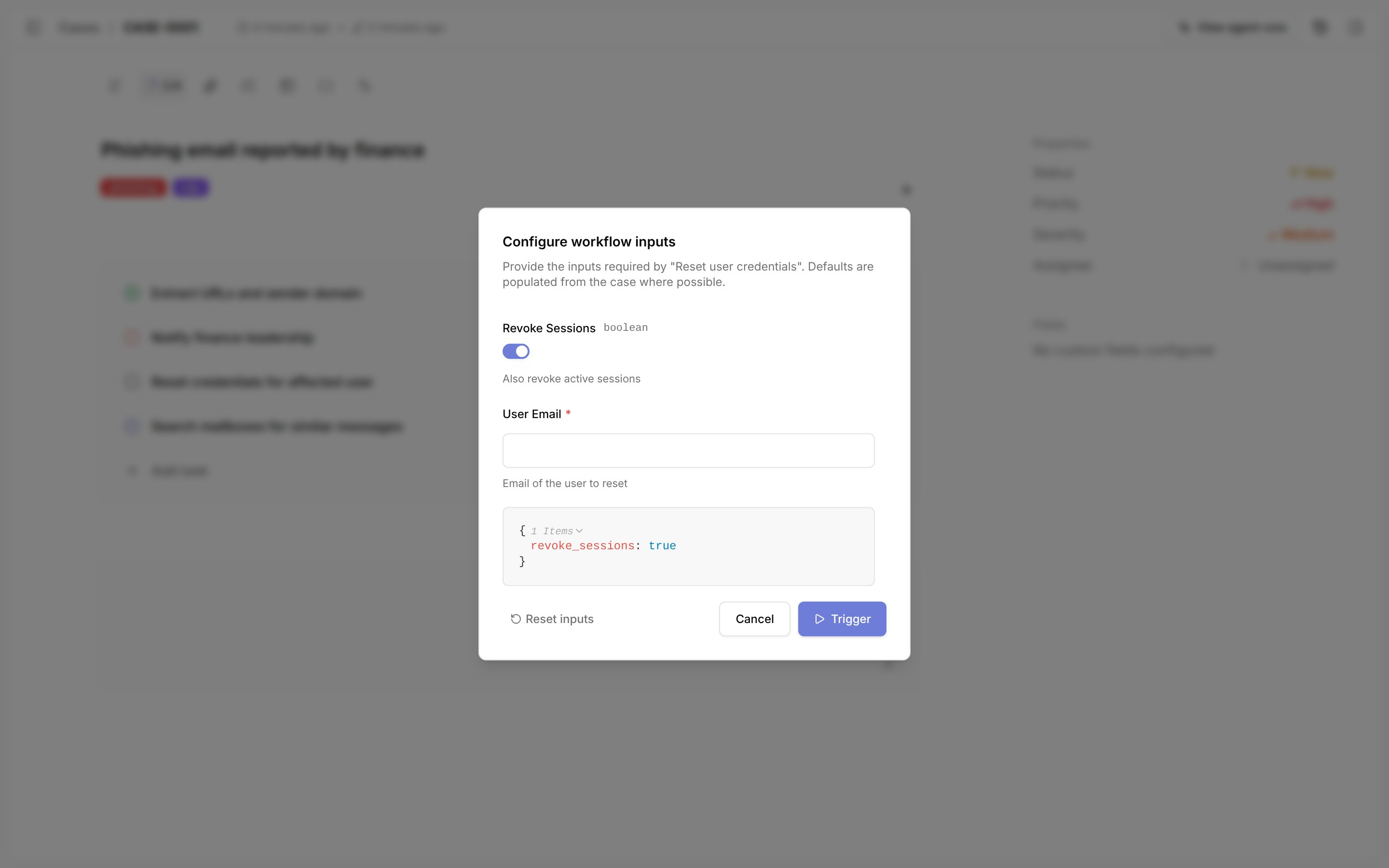
Set a workflow on a case task, then select the workflow button on the task row. If the workflow has an Input schema, fill inConfigure workflow inputs and select Trigger.
Otherwise, Tracecat passes generated case inputs.
View workflow runs.
See Case tasks to set up tasks and review task runs, and Task triggers for the trigger payload.
Run workflows from comments
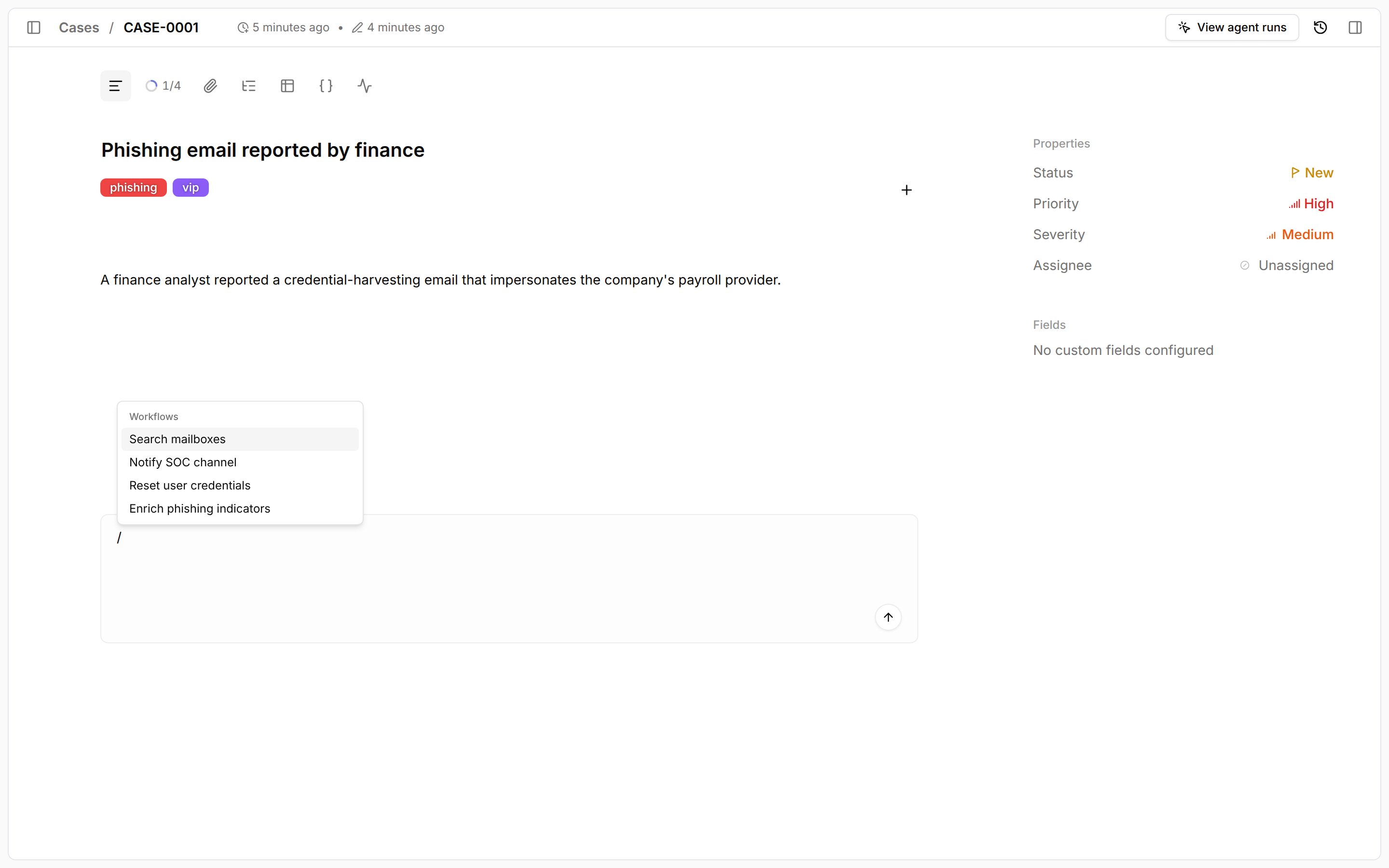
Type/ in a case comment or reply, select a published workflow, and submit the comment.
Tracecat removes the / command from the saved comment and runs the workflow with the case and comment context.
Related pages
- See Agent mentions to have a preset agent investigate a case instead of running a fixed workflow.
- See Case triggers for the full case trigger payload.
- See Cases for the case actions your triggered workflows can call.