

Overview
Case triggers start a workflow when selected case events happen.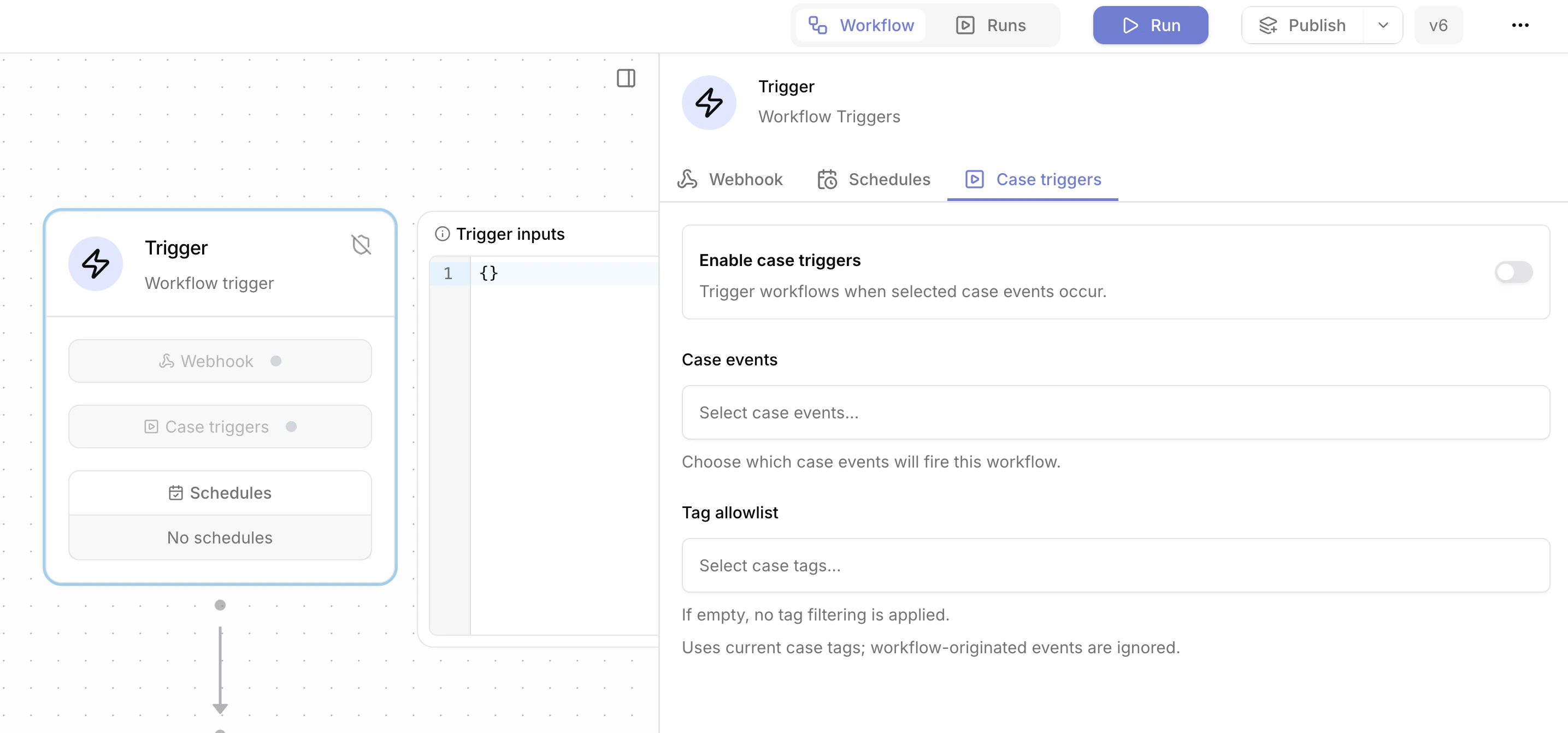
Trigger payload
Case trigger data is available under${{ TRIGGER }}.
Fields:
${{ TRIGGER.case_id }}: case ID.${{ TRIGGER.event }}: event details.${{ TRIGGER.tags }}: case tags.${{ TRIGGER.workspace_id }}: workspace ID.
Case events
One or more case events must be selected before the trigger is enabled. Supported event families include:- Case events such as create, update, close, reopen, and view.
- Comment events such as comment and reply activity.
- Field changes such as status, priority, severity, assignee, and payload changes.
- Tag events such as tag add and remove.
- Task events such as task create, delete, and workflow or assignee changes.
- Attachment events such as add and remove.
- Dropdown changes.